Vanilla Frontend Challenge is a weekly challenge to build UI components with HTML, CSS and Javascript the vanilla way!
View all the challenges in GitHub
Goal:
- Create a login form with inputs for email and password
- Create buttons for logging in with accounts
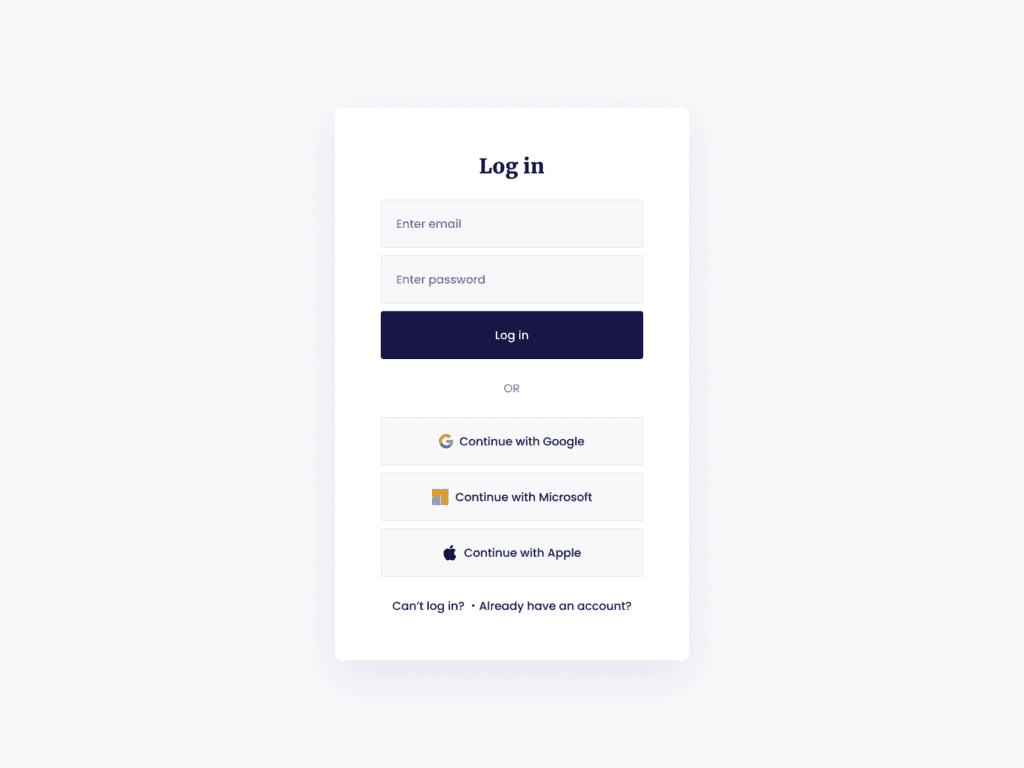
UI designed by UI Design Daily
Output:

Learnings:
How to add pressed effect in buttons?
What we want to do here is to make the button move a bit downward when it's clicked to make it seem like it's pressed and go back to it's original position after clicking.
All we need is the transform CSS property.
From W3Schools, the transform CSS Property adds 2D and 3D transformation to an element.
To achieve that downward movement transformation, we'll use translateY(length) function. It's used to reposition an element in a vertical direction or the Y-axis. The length can be in any CSS unit such as pixels, em, percentage, etc.
<button>Press Me!</button>
:active is CSS pseudo-class that means an element is being activated by some form of user interaction. In case of buttons, it's active when it's clicked.
button:active {
  transform: translateY(2px);
}
How to use CSS variables?
In programming, a variable is a storage of value that will be used later in the code. Even though CSS is not a programming language, it also has variables!
CSS variables are useful to prevent you from updating every CSS property with similar values among your CSS selector.
Example:
element1 {
  color: red;
}

element2 {
 background-color: red;
}

element3 {
 border: 1px solid red;
}
If you decide to change the red into blue, you will have to edit each of the lines. But if you use CSS variables, you can change the value once.
Declaring CSS variables is just the same with how you set CSS properties. The only difference is that the property portion has the two dashes before it. And that's the name of your variable.
Setting CSS properties:
selector {
  property: value;
}

body {
  color: #222;
}
Declaring CSS variables:
selector {
  --variable-name: value;
}

body {
  --variable-name: #222;
}
Note: You can set variables inside any selector.
To use the variable, put it inside the CSS var() function like this:
color: var(--variable-name);
To be able to use the variables throughout your CSS file, you need to declare them inside the :root pseudo element.
:root {
   --main-font: 'Poppins';
   --main-color: #ffefed;
   --heading-font: 'Merriweather';
}

body {
   font-family: var(--main-font);
   background-color: var(--main-color);
}

h1 {
  font-family: var(--heading-font);
}
The :root is the just like selecting html but it has higher specificity. Meaning that if you declared the same variable name both in the html and :root selectors with different values and you use that variable in another selector, the value in the :root will take effect.
Example:
html {
 --bg-color: red;
}

:root {
 --bg-color: blue;
}

div {
  background-color: var(--bg-color);
}
The
Changing CSS variables values.
As mentioned earlier, you can declare variables inside any selector. So if you want to change the value of a variable inside another selector, just think of it as declaring the variable again inside that selector. Like this:
:root {
 --bg-color: white;
}

.light {
  background-color: var(--bg-color);
}

.dark {
  --bg-color: black;
  background-color: var(--bg-color);
}
Time Report:
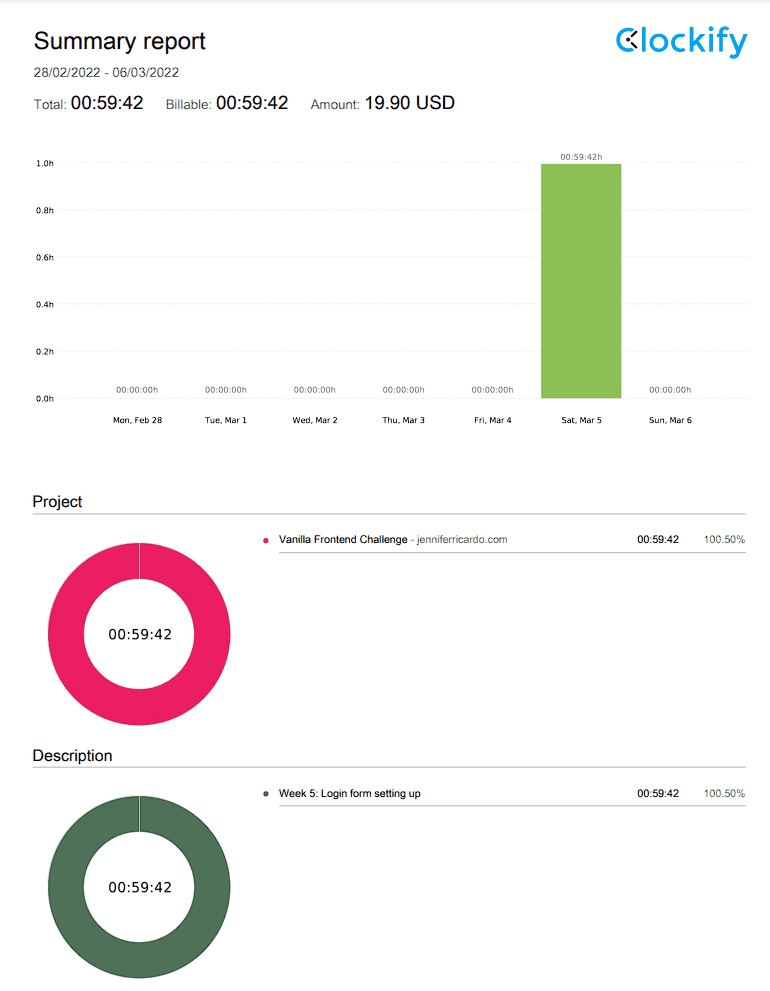
Total development time: 0:59:42